
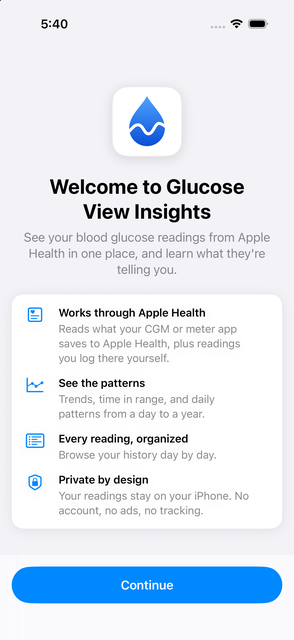
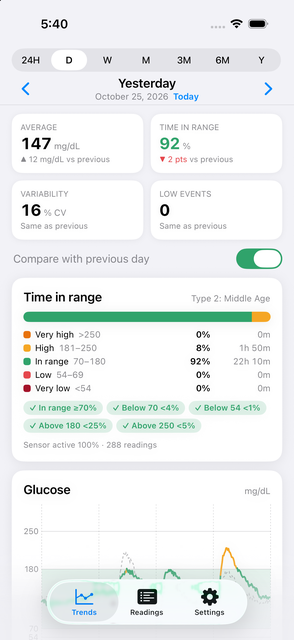
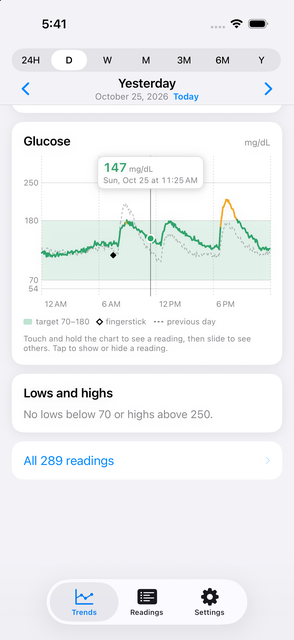
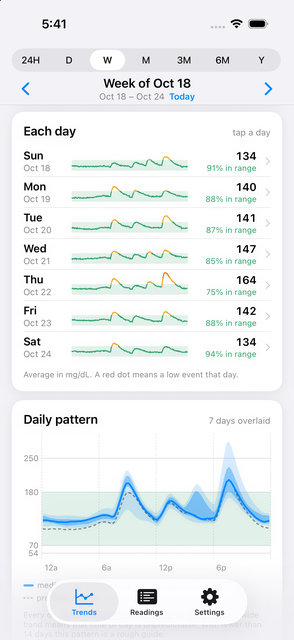
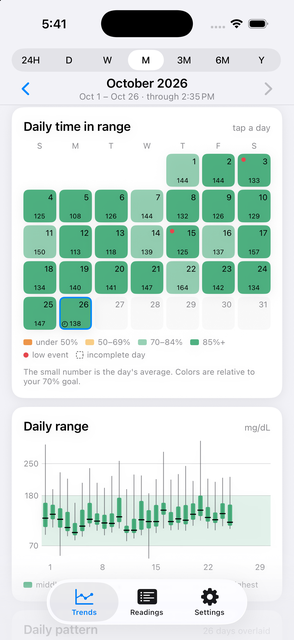
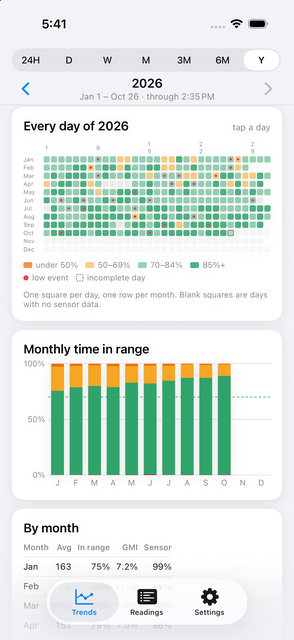
Glucose View Insights turns the blood glucose readings already in Apple Health into a clear picture of how you're doing. It works with continuous glucose monitors (CGMs) and meter apps that save readings to Apple Health, plus any readings you log there yourself.
Pick a day from a calendar colored by time in range, see readings grouped by hour, and filter to lows, highs, fingersticks, or meal tags. New readings appear automatically as Apple Health receives them, and gaps are clearly marked so missing data doesn't mislead you.
Made for iPhone Duo
Open iPhone Duo and Glucose View Insights uses the wide screen to show your charts and time in range side by side, with the period picker in the side toolbar. It adjusts smoothly as you fold, unfold, or rotate.
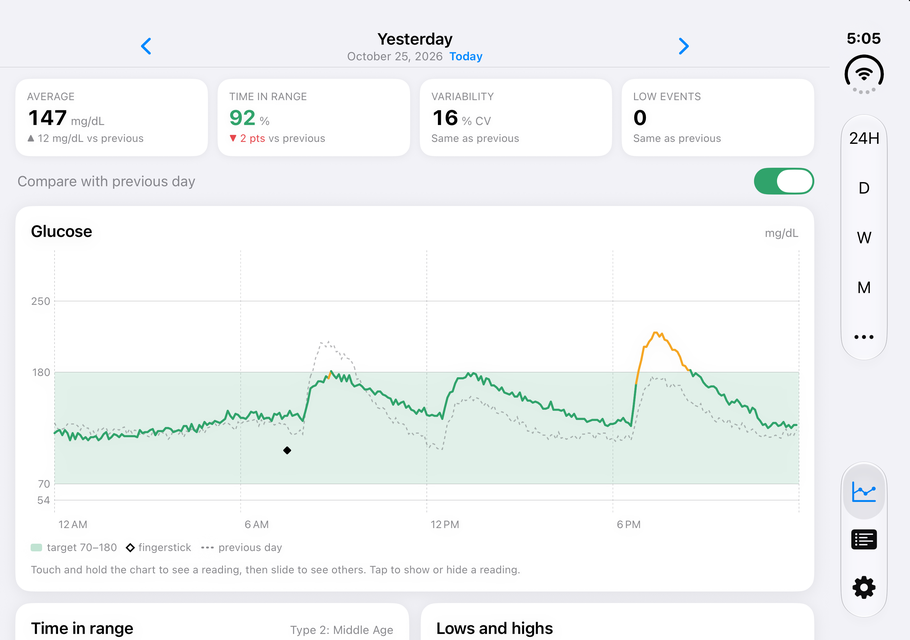
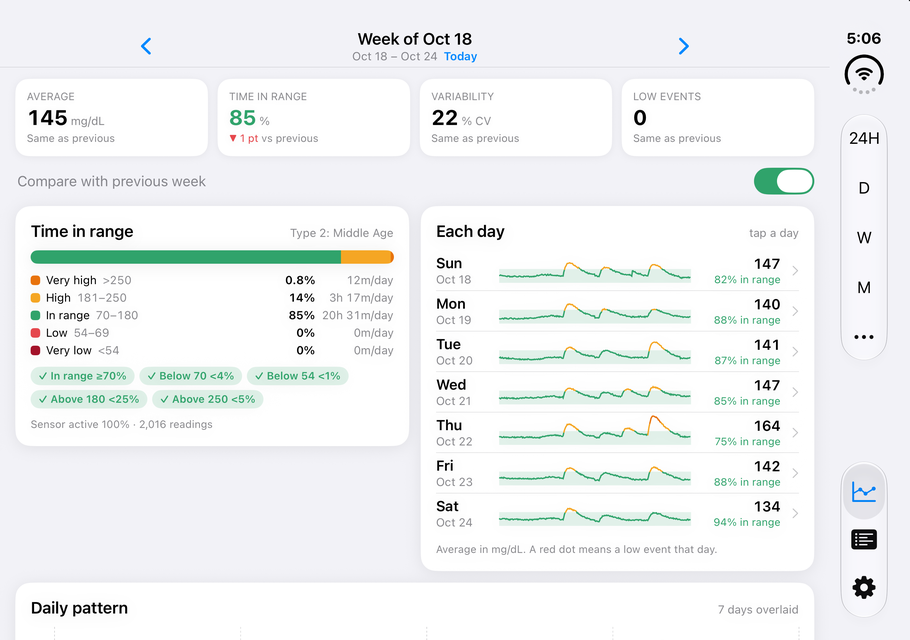
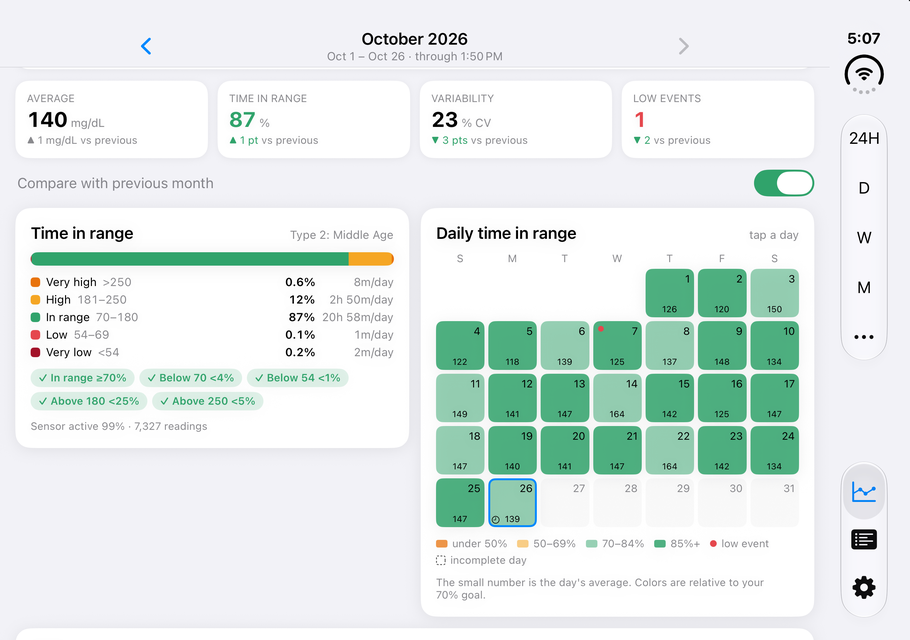
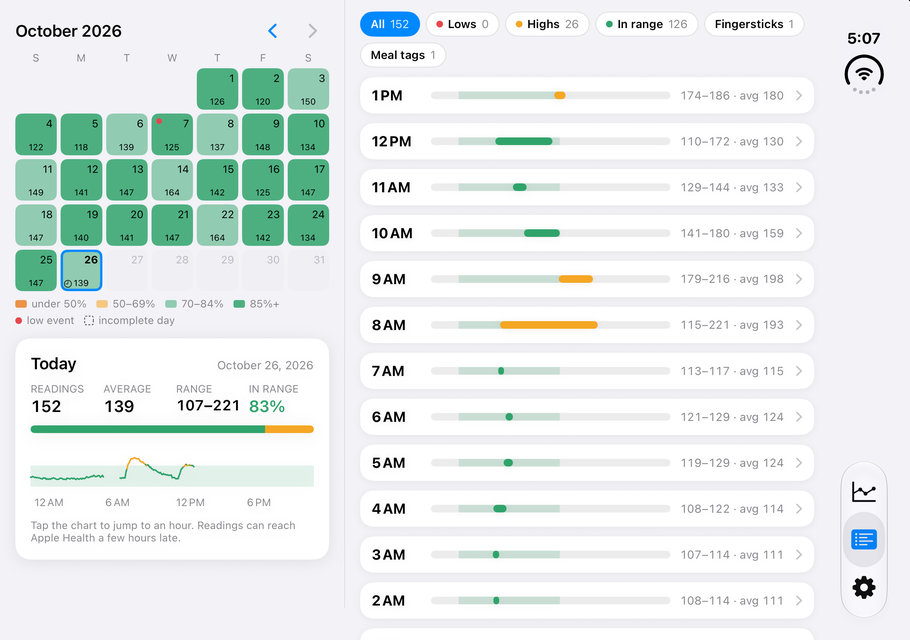
Your readings stay on your device. No account, no ads, no analytics, no tracking, and no subscription. Glucose View Insights only reads from Apple Health and never changes your Health data. Light and dark appearance, with mg/dL or mmol/L set for your region.
Glucose View Insights shows what your monitor's app or meter saves to Apple Health, and many monitor apps share readings hours after they're taken. For your current glucose and for alerts, keep using your monitor's app. Glucose View Insights is for informational purposes only and is not a medical device. Don't use it to make treatment decisions. Review your results with your doctor or care team.
 Five Lakes Studio